
If you own a Tesla, you know how important your battery is to keeping your car running smoothly. But how do you really know if your battery is healthy?
What if there was a simple way to check its condition and avoid costly surprises? In this guide, you’ll discover the best Tesla battery health tools that put the power in your hands. Whether you want to monitor your battery’s lifespan or boost its performance, this article will show you how to take control.
Keep reading and learn how to protect your investment and drive with confidence every day.
Tesla Battery Basics
Tesla batteries power electric cars with clean energy. Understanding the basics helps you maintain and check battery health. This knowledge also improves your driving experience and extends battery life.
Let’s explore the key elements of Tesla battery technology. This guide covers battery types, capacity, and factors that affect battery life.
Battery Types And Chemistry
Tesla mainly uses lithium-ion batteries. These batteries store energy in small cells. Each cell has a positive and negative electrode and an electrolyte. Tesla varies the chemistry for different models. Some use nickel-cobalt-aluminum (NCA) chemistry. Others use lithium iron phosphate (LFP) chemistry. Each type has benefits. NCA batteries have higher energy density. LFP batteries last longer and are safer.
Battery Capacity And Range
Battery capacity shows how much energy a battery holds. It is measured in kilowatt-hours (kWh). Higher capacity means longer driving range. Tesla models offer batteries from around 50 kWh to over 100 kWh. Range depends on battery size and driving conditions. Cold weather, speed, and terrain reduce range. Knowing your battery’s capacity helps plan trips better.
Common Battery Degradation Factors
Batteries lose capacity over time. This is called degradation. Heat is a major cause of degradation. Charging to 100% often can also reduce battery life. Fast charging adds stress to the battery. Deep discharges, or running battery very low, hurt battery health. Proper care can slow degradation. Tesla’s software helps manage these risks.

Credit: recharged.com
Monitoring Battery Health
Monitoring battery health is vital for keeping your Tesla running well. The battery is the heart of the car. Checking its condition helps avoid surprises and keeps your car efficient. Tesla and third-party tools give useful data to track battery status. Learning how to read this data helps you understand your battery’s true health.
Built-in Tesla Diagnostics
Tesla cars come with built-in diagnostic tools. These tools show basic battery health info on the screen. You can see battery charge levels and estimated range. The system also alerts you if it detects issues. This info is easy to access and useful for daily checks. It helps catch problems early before they get worse.
Third-party Battery Tools
Third-party apps provide deeper insights into Tesla battery health. These tools connect to your car and gather detailed data. They show battery capacity, voltage, and temperature trends. Some apps offer graphs and reports to spot patterns. Using these tools helps track long-term battery performance. Many Tesla owners use them to keep extra watch on their battery.
Interpreting Battery Data
Understanding battery data is key to good monitoring. Look for battery capacity compared to original levels. Small drops are normal as the battery ages. Watch for sudden drops or temperature spikes. These may indicate issues needing attention. Voltage and charge cycles also show battery wear. Knowing these signs helps you act before problems grow.
Charging Best Practices
Proper charging habits keep your Tesla battery healthy and extend its life. Charging best practices help you avoid battery wear and maintain good performance. Using the right methods can save money and time over the car’s lifetime.
Optimal Charging Levels
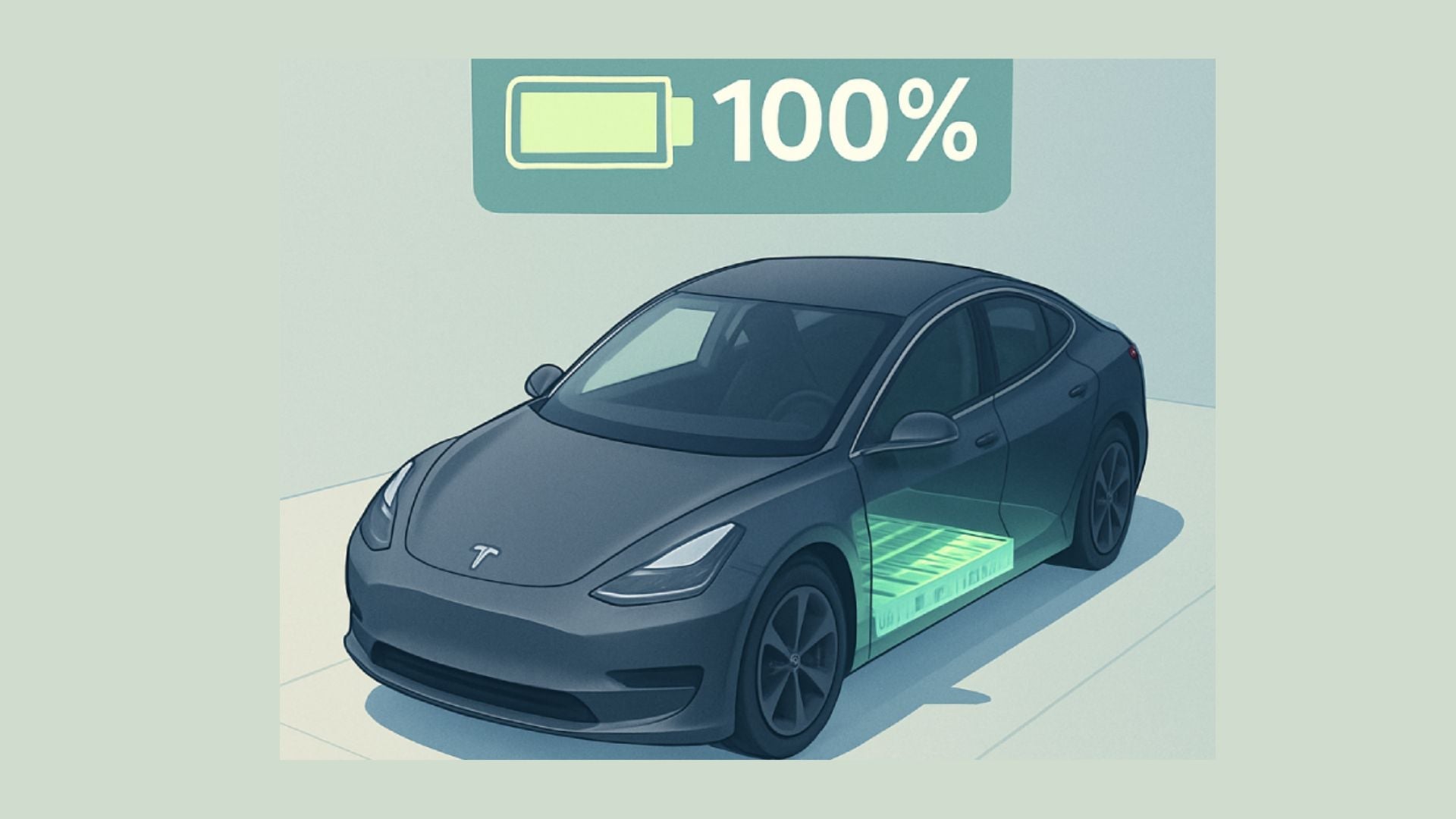
Keeping your battery charge between 20% and 80% is ideal. Charging to 100% often can stress the battery. For daily use, aim for 80% or less. Use full charge only for long trips.
Avoiding Frequent Fast Charging
Fast charging is convenient but can heat the battery. Frequent use may reduce battery life. Use slow or home charging as much as possible. Reserve fast chargers for urgent needs or long drives.
Charging Schedule Tips
Charge your Tesla during off-peak hours to save energy costs. Avoid charging right after driving hard or in hot weather. Allow the battery to cool before charging for better health. Set reminders to plug in regularly without overcharging.

Credit: gw.humane.edu.ec
Driving Habits Impact
Driving habits play a big role in Tesla battery health. Good habits help keep the battery strong for longer. Poor habits can wear the battery out faster. Simple changes in how you drive can protect your Tesla’s battery over time.
Smooth Acceleration And Deceleration
Rapid starts and stops put stress on the battery. Smooth acceleration uses less power and reduces strain. Gentle braking helps keep the battery stable. This habit lowers the chance of battery damage. It also improves energy use and extends range.
Avoiding Excessive High Speeds
High speeds drain the battery quickly. Driving fast heats up the battery, which can cause wear. Keeping speed moderate helps maintain battery health. Slower driving uses energy more efficiently. This habit supports long-term battery life.
Regenerative Braking Benefits
Regenerative braking recovers energy during slowing down. It sends energy back to the battery for reuse. This process reduces overall battery drain. Using regenerative braking often lessens battery wear. It also improves Tesla’s driving efficiency and range.
Environmental Effects
Environmental factors play a big role in Tesla battery health. Batteries work best in certain conditions. Outside elements can reduce battery life and performance. Protecting your battery from harsh environments helps keep it strong.
Understanding how temperature, parking, and climate control affect your Tesla battery helps you make better choices. Small actions can extend battery life and improve driving experience.
Temperature Influence On Battery Life
Extreme temperatures harm Tesla batteries. Cold weather slows battery chemistry. It reduces range and charging speed. Heat causes faster battery wear. High temperatures increase chemical reactions inside. This breaks down battery materials faster. Keeping your battery in moderate temperatures is key.
Parking Strategies To Protect Battery
Park in shaded or covered areas. Avoid direct sunlight for long periods. In cold weather, park indoors if possible. This keeps the battery warmer and ready. Avoid parking on hot asphalt during summer. Surface heat can raise battery temperature. Use a garage or carport to limit exposure.
Climate Control Usage Tips
Use climate control wisely to save battery health. Pre-condition your Tesla while plugged in. This warms or cools the cabin without draining battery. Avoid running climate control at full power while driving. Use seat heaters instead of cabin heat. They use less energy and keep you comfortable.
Software And Firmware Updates
Software and firmware updates play a key role in maintaining Tesla battery health. Tesla regularly releases updates to improve battery performance and safety. These updates can fix bugs, improve efficiency, and add new features. Staying updated helps your Tesla run smoothly and keeps the battery in good condition.
Tesla’s Role In Battery Optimization
Tesla controls the software that manages the battery system. The company uses updates to optimize how the battery charges and discharges. This helps extend battery life and maintain capacity. Tesla’s updates also adjust settings based on real-world data from other vehicles.
Enabling New Battery Features
Updates can introduce new battery-related features. These include better thermal management and improved charging protocols. Tesla may add tools for users to monitor battery health more closely. New features often aim to improve battery lifespan and user experience.
Keeping Software Up To Date
It is important to keep your Tesla’s software current. Updates install automatically or can be done manually. Regular updates ensure you benefit from Tesla’s latest improvements. Outdated software may reduce battery efficiency or miss important fixes.
Maintenance And Troubleshooting
Maintaining your Tesla battery is key to keeping your car running smoothly. Troubleshooting helps catch small problems before they grow. This section guides you through simple steps to care for your battery and solve issues.
Recognizing Battery Issues Early
Watch for sudden drops in driving range. Slow charging or no charge at all signals a problem. Strange noises or warning lights also point to battery trouble. Act quickly to avoid bigger damage.
When To Contact Tesla Support
Contact Tesla if the car shows repeated battery errors. If charging stops suddenly or is very slow, ask for help. Tesla experts can run tests and offer fixes. Don’t wait too long to get support.
Battery Replacement Considerations
Battery replacement costs vary by model and condition. Consider battery age and health before deciding. Tesla offers battery recycling options during replacement. Choose authorized service centers for safe, reliable work.
Credit: www.jowua-life.com
Frequently Asked Questions
What Is Tesla Battery Health And Why Does It Matter?
Tesla battery health shows how well the battery holds charge. Good health means longer driving range and better car performance. It helps you know when to check or replace the battery.
How Can I Check My Tesla Battery Health Easily?
Tesla cars show battery health in the car’s app or screen. You can also use third-party apps designed to read Tesla battery data. Regular checks help you spot problems early.
What Factors Affect Tesla Battery Health Over Time?
Heat, charging habits, and driving style all affect battery health. Frequent fast charging or extreme temperatures can reduce battery life. Taking care with charging and parking helps keep battery health strong.
Can Tesla Battery Health Be Improved Or Restored?
Battery health usually declines with time and use. Some software updates improve battery management but don’t restore lost capacity. Proper care slows down battery wear but full recovery isn’t possible.
Why Use Battery Health Tools For My Tesla?
Battery health tools give clear info about battery status and problems. They help you plan maintenance or replacement before issues start. This saves money and keeps your Tesla running well.
Conclusion
Tesla battery health tools help keep your car running smoothly. They show important info about battery life and performance. Regular checks can prevent unexpected issues and save money. Understanding these tools makes maintenance easier and safer. Stay informed and take simple steps to protect your Tesla’s battery.
This helps your car last longer and work better every day. Small efforts now bring big benefits later. Keep your Tesla’s battery healthy for a reliable drive.