
Is your Whirlpool washer acting up or stuck mid-cycle? You’re not alone, and the good news is that most issues can be fixed with a simple reset.
Knowing how to reset your Whirlpool washer can save you time, frustration, and even a costly service call. In this guide, you’ll learn easy, step-by-step methods to get your washer back to working smoothly. Keep reading—your laundry routine is about to get a whole lot easier.
Identify Your Washer Model
Identifying your Whirlpool washer model is the first step to reset it correctly. Different models have unique reset methods. Knowing your model helps find the right instructions fast. It avoids confusion and saves time.
Locate The Model Number
Look for the model number on your washer. Common places include the door frame, back panel, or inside the door. The number usually starts with letters and is followed by digits. Write it down or take a clear photo. This info is key for troubleshooting and finding guides.
Check User Manual
Find the user manual that came with your washer. The manual shows the model number and reset steps. Manuals often have diagrams and tips. If lost, visit the Whirlpool website. They offer free digital copies by entering your model number. This helps follow the right process safely.
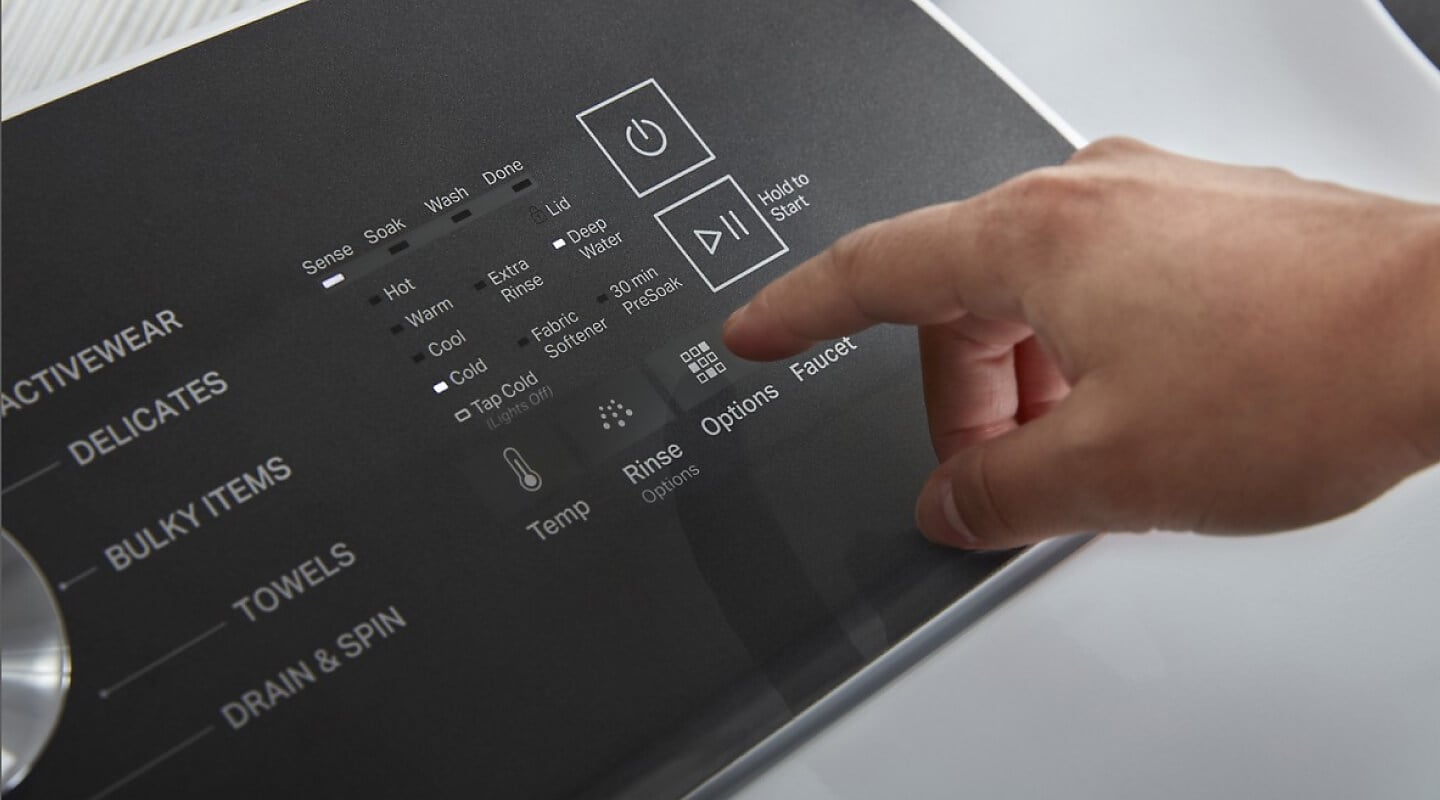
Credit: www.whirlpool.com
When To Reset Your Washer
Knowing when to reset your Whirlpool washer can save time and prevent bigger problems. A reset clears the washer’s memory and can fix many issues quickly. Resetting is a simple step before calling a technician.
Some problems need a reset to get the washer working right again. Other times, the washer shows clear signs it needs a reset. Recognizing these signs helps keep your washer in good shape.
Common Issues Needing Reset
Washer stops mid-cycle without reason. Control panel buttons stop responding. Washer shows error codes on the display. The machine won’t spin or drain. Washer fills with water but won’t start. These problems often clear up after a reset.
Signs Your Washer Needs A Reset
The washer acts slow or freezes during cycles. The display screen blinks or shows strange symbols. Washer sounds unusual or makes loud noises. Clothes stay wet after the cycle ends. The door lock won’t release. These signs suggest a reset is needed.
Basic Reset Methods
Basic reset methods can fix many common Whirlpool washer problems. These methods do not require special tools. You can try them quickly to see if they help. Resetting can clear error codes and restart the machine’s system. Here are two simple ways to reset your Whirlpool washer.
Power Cycle Reset
Unplug the washer from the power outlet. Wait for at least one minute. This pause lets the machine’s memory clear. After waiting, plug the washer back in. Turn it on and check if it works properly. This reset often solves minor electronic glitches. It refreshes the washer’s control board and resets settings.
Control Panel Reset
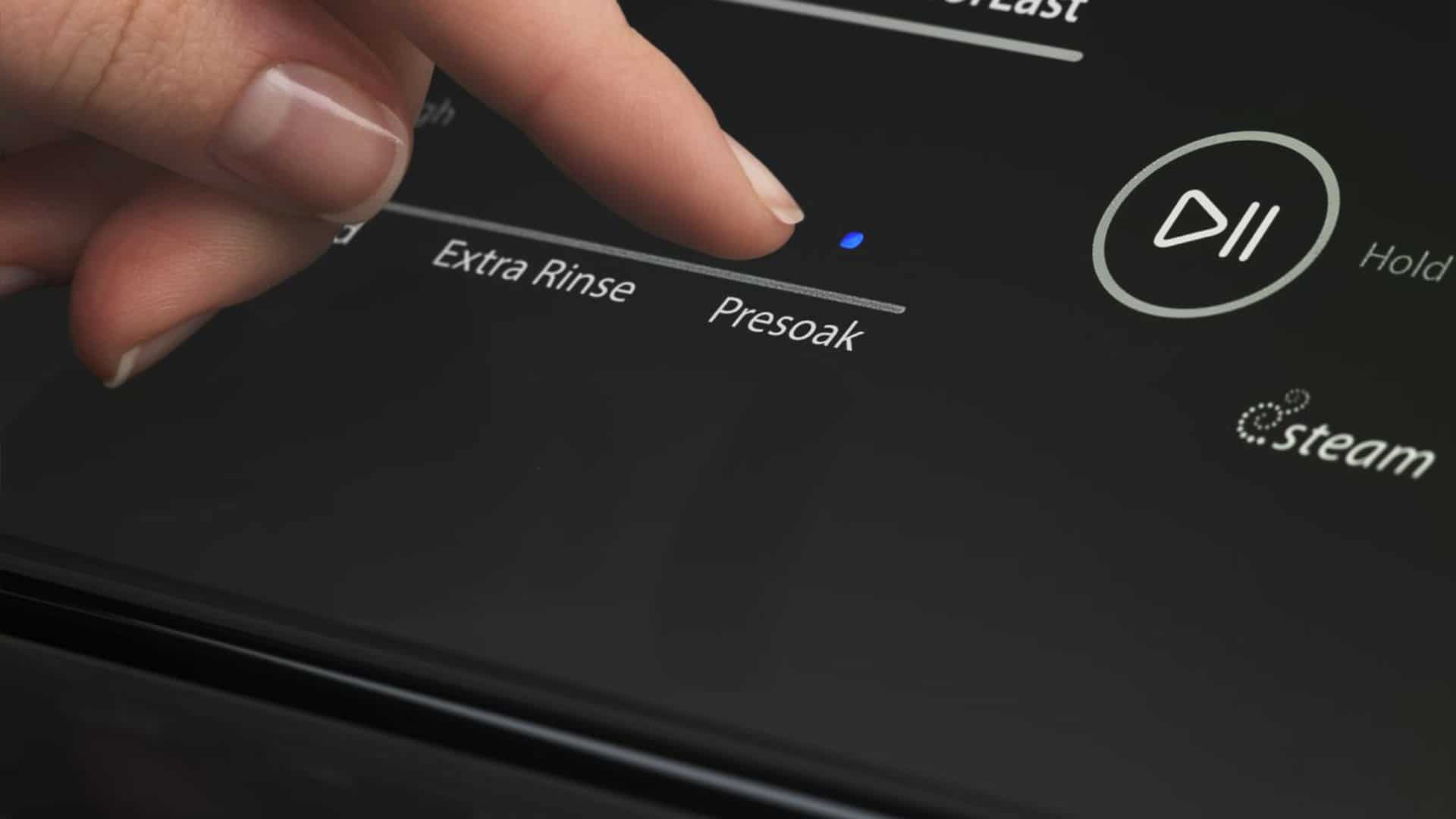
Press the “Cancel” or “Pause/Cancel” button on the control panel. Hold the button for about five seconds. This action stops the current cycle and clears errors. Some models require pressing a combination of buttons. Check your user manual for exact instructions. After the reset, select a new cycle and start the washer. The control panel reset can fix frozen screens or unresponsive buttons.
Credit: paradiseapplianceservice.com
Advanced Reset Techniques
Advanced reset techniques help fix issues beyond simple restarts. These methods allow deeper troubleshooting for Whirlpool washers. They can clear hidden errors and restore normal function. Understanding these steps improves your ability to maintain the machine.
Using Diagnostic Mode
Diagnostic mode checks the washer’s internal systems. Enter this mode to find specific problems causing errors. Usually, press a combination of buttons to activate it. Follow the washer’s manual for exact steps.
Once in diagnostic mode, the machine runs self-tests. It shows error codes or blinking lights. These codes explain what part needs attention. This mode helps avoid guesswork and saves time.
Resetting Error Codes
Error codes appear when the washer detects a fault. Resetting these codes clears the error messages. This step often fixes minor glitches without repairs.
To reset, turn the washer off and unplug it for a minute. Plug it back in and hold specific buttons as the machine powers on. The error codes should clear, and the washer resets.
Check the manual for the exact button combination. Resetting error codes can bring your washer back to normal quickly. Repeat if the error returns, or consider professional help.
Tips To Prevent Future Issues
Preventing future problems with your Whirlpool washer saves time and money. Small actions can keep your machine running smoothly. Follow simple tips to avoid frequent resets and repairs.
Regular Maintenance
Clean the washer drum and gasket often. Remove any dirt or soap buildup. Check hoses for leaks or cracks regularly. Replace damaged hoses quickly to prevent water damage. Run a cleaning cycle monthly using a washer cleaner or vinegar. Keep the detergent drawer clean and dry. These steps help your washer work efficiently and last longer.
Proper Usage Practices
Use the right amount of detergent. Too much soap causes buildup and clogs. Sort laundry by fabric type and weight. Avoid overloading the washer to prevent strain. Always close the door properly before starting a cycle. Follow the manufacturer’s instructions for each wash. Proper use reduces wear and stops many common issues.
When To Contact Whirlpool Support
Knowing when to contact Whirlpool support is important. Some washer issues need expert help. Trying to fix serious problems alone can cause more damage. Recognizing the right time to reach out saves time and stress.
Persistent Problems
If your washer keeps acting up after a reset, call support. Problems like constant error codes or failure to start need professional checks. Unusual noises or water leaks that don’t stop also require expert care. Persistent issues mean the machine may have internal faults.
Warranty And Service Options
Check your washer’s warranty before calling. Many repairs may be covered at no cost. Whirlpool offers authorized service centers for safe repairs. Using official help keeps your warranty valid. Support can also guide you on repair costs and service plans.

Credit: www.youtube.com
Frequently Asked Questions
How Do I Reset A Whirlpool Washer Quickly?
Unplug the washer for 1 minute, then plug it back in to reset the system.
Why Won’t My Whirlpool Washer Reset?
A locked lid or door often prevents reset; ensure it is fully closed.
Can I Reset A Whirlpool Washer Without Unplugging?
Press and hold the “Start/Pause” button for 5 seconds to try a reset.
How Long Does A Whirlpool Washer Reset Take?
The reset process usually takes less than 2 minutes to complete.
Will Resetting Fix Error Codes On Whirlpool Washers?
Resetting can clear some error codes but not all; check your manual.
How Often Should I Reset My Whirlpool Washer?
Reset only when the washer malfunctions or shows error messages.
Conclusion
Resetting a Whirlpool washer is a simple task anyone can do. Just follow the steps carefully to avoid mistakes. This helps fix many common washer problems fast. Save time and money by trying a reset first. Keep your washer running smoothly with regular care.
Now, you can handle small issues without waiting for repair help. A quick reset often brings your washer back to life. Easy and effective—no special skills needed.