
Is your Samsung washer suddenly stopping in the middle of a cycle? It’s frustrating when your laundry routine gets interrupted, leaving you with wet clothes and unanswered questions.
You’re not alone, and the good news is that this problem often has simple fixes. You’ll discover why your washer might be pausing mid-cycle and what you can do to get it back to working smoothly. Keep reading to save time, avoid costly repairs, and get your laundry back on track.

Credit: www.samsung.com
Common Causes Of Mid Cycle Stops
Samsung washers stopping in the middle of a cycle is a common problem. Several issues can cause this interruption. Knowing these causes helps you fix the washer faster. It also prevents damage to your clothes and machine.
Here are the most common reasons why a Samsung washer may stop mid cycle.
Power Supply Issues
Power problems are a frequent cause of mid cycle stops. A loose plug or tripped circuit breaker can cut power suddenly. Voltage drops or electrical surges also affect the washer’s operation. Check the power source and cables for faults.
Door Lock Problems
The washer will stop if the door lock fails. The machine needs the door to be securely locked to run. A broken or faulty door latch stops the cycle for safety. Inspect the door lock for damage or wear.
Water Supply Interruptions
The washer needs steady water flow to continue washing. If water supply stops or reduces, the machine pauses. Blocked or kinked hoses, or closed valves, cause water issues. Make sure water taps are open and hoses are clear.
Drainage Blockages
Water must drain properly during the cycle. A clogged drain pump or filter can stop the washer. Water buildup triggers the machine to pause or stop. Clean the drain system regularly to avoid blockages.
Error Codes And Sensors
Samsung washers use sensors to detect problems. Error codes appear on the display if issues arise. These codes help identify the exact cause of the stop. Check the user manual to understand and address error codes.

Credit: www.youtube.com
Basic Troubleshooting Steps
When a Samsung washer stops mid cycle, basic troubleshooting helps find the cause fast. Start with simple checks to avoid costly repairs. These steps suit most common problems. Follow each carefully to get your washer working again.
Resetting The Washer
Unplug the washer from the power outlet. Wait for one minute before plugging it back in. This action can clear small errors in the system. Press the start button to see if the cycle resumes.
Checking The Power Source
Make sure the power cord is fully plugged in. Check the circuit breaker or fuse box for tripped switches. Use another device to test the outlet. Power issues often cause sudden stops.
Inspecting The Door Lock
The washer will not run if the door is not locked properly. Open and close the door firmly. Listen for a click that shows the lock is engaged. A faulty door lock may need replacement.
Ensuring Water Supply
Check that both hot and cold water taps are open. Look for kinks in the water hoses. Low water flow can cause the washer to pause mid cycle. Fix any blockage to restore water supply.
Clearing Drainage Hoses
Remove and inspect the drain hose for clogs or bends. Clear any debris blocking water flow. A blocked hose stops the washer from draining properly. Ensure the hose is securely attached after cleaning.
Advanced Fixes For Persistent Issues
Advanced fixes can help solve Samsung washer problems that stop mid cycle. These methods go beyond basic checks and require some care. Following these steps may bring your washer back to normal. Each fix targets common causes of stopping issues.
Cleaning Or Replacing Filters
Filters can block water flow if dirty or clogged. Find the filter near the water inlet or pump. Remove it carefully and rinse under running water. If the filter looks damaged, replace it. Clean filters improve water flow and machine performance.
Testing The Water Inlet Valve
The water inlet valve controls water entering the washer. A faulty valve can cause mid-cycle stops. Use a multimeter to test the valve’s electrical resistance. No reading means the valve needs replacement. Check for blockages in the valve openings as well.
Examining The Drive Belt
The drive belt moves the drum during cycles. A worn or broken belt stops the drum from turning. Open the washer’s back panel to see the belt. Look for cracks or looseness. Replace the belt if it shows damage or slips.
Inspecting The Control Board
The control board directs all washer functions. A damaged board can cause random stops. Check for burnt marks or loose wires on the board. Reset the washer by unplugging it for a few minutes. Replace the board if problems continue.
Preventive Tips For Smooth Operation
Preventive care keeps your Samsung washer running well. Small efforts stop big problems. Follow simple tips to avoid mid-cycle stops. These steps save time and money. Your washer works better and lasts longer.
Regular Maintenance Routines
Clean the washer drum often. Remove lint and detergent buildup. Check hoses for leaks or cracks. Clear the filter to stop blockages. Clean the detergent drawer regularly. These tasks keep the washer healthy.
Avoiding Overloading
Do not fill the washer too full. Overloading strains the motor and parts. Clothes need space to move freely. Overloads cause unbalanced loads and stops. Wash smaller loads for better results.
Using Appropriate Detergents
Choose detergents made for your washer type. Use the correct amount of detergent. Too much causes excess suds and errors. Too little detergent cleans poorly. Follow the detergent label instructions carefully.
Scheduling Professional Checkups
Get a technician to inspect the washer yearly. Experts find problems early and fix them. Regular checkups keep your washer safe. Professionals clean parts you cannot reach. This care extends your washer’s life.
When To Call A Technician
Knowing when to call a technician can save time and prevent damage. Some problems need expert care. Attempting repairs without knowledge may worsen the issue. Recognize key signs that require professional help.
Signs Of Electrical Problems
Sudden power loss or flickering lights during the cycle often point to electrical faults. The washer may stop without warning or fail to start. Sparks or burnt smells near the machine are serious warning signs. Avoid using the washer until checked by a technician.
Persistent Error Codes
Error codes appear on the display to signal specific problems. If codes keep repeating after resets, the issue likely needs professional diagnosis. Do not ignore these alerts. A technician can read and fix the underlying cause properly.
Unusual Noises Or Smells
Loud banging, grinding, or squealing sounds often mean internal parts are damaged. Burning or strange odors suggest overheating or electrical trouble. These signs require immediate attention. Continuing to use the washer might cause more harm.
Warranty And Service Options
Check your washer’s warranty before attempting repairs. Many issues are covered by Samsung’s service plans. Contact authorized service centers for safe and reliable fixes. Using certified technicians protects your appliance and keeps warranty valid.
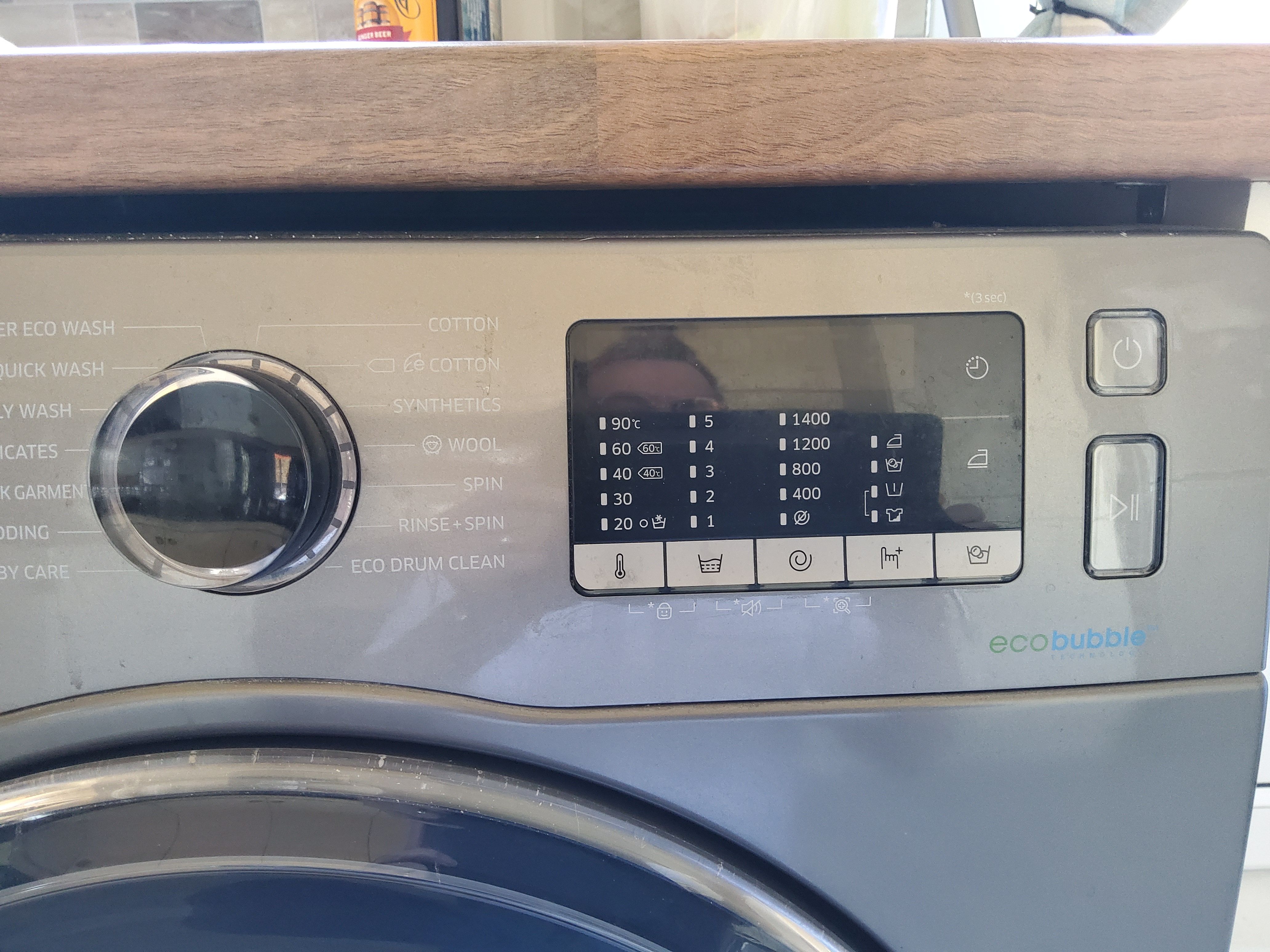
Credit: eu.community.samsung.com
Frequently Asked Questions
Why Did My Samsung Washer Stop Mid Cycle?
A power issue, door lock problem, or motor fault can stop the washer mid cycle.
How Do I Reset My Samsung Washer After Stopping?
Unplug the washer for a few minutes, then plug it back in to reset.
Can A Clogged Drain Cause Samsung Washer To Stop?
Yes, a clogged drain can cause the washer to stop mid cycle.
What Does A Flashing Error Code Mean On Samsung Washer?
Flashing codes show specific problems; check the manual to identify the error.
How To Fix A Door Lock Issue On Samsung Washer?
Make sure the door is fully closed and locked to allow the cycle to continue.
When Should I Call A Technician For Samsung Washer Issues?
Call a technician if basic resets and checks don’t solve the stopping problem.
Conclusion
A Samsung washer stopping mid cycle can cause frustration. Small issues often cause this problem. Checking the power supply and door latch helps. Cleaning the filters and drain pump may fix it. Sometimes, a simple reset solves the issue quickly.
If the problem continues, calling a technician is best. Regular maintenance keeps your washer running smoothly. Understanding these steps saves time and money. Don’t ignore warning signs from your washer. Taking action early prevents bigger repairs later. Keep your laundry day stress-free and efficient.